We built Legendary Ups around a simple LIVE problem: chat needs to see what is happening in the game, not just a string of commands. The bundle adds a spinner, gift-triggered Minecraft events, a countdown and save, plus an in-game board. TikTok event delivery is separate, so here is what the toolkit does and what still needs setup.
What a Minecraft Infinite Dropper is
A Minecraft dropper course asks players to fall through an obstacle route and land safely. An Infinite Dropper format can keep the challenge moving through repeated levels or stages, giving the host a simple goal to explain to new viewers. The course and its difficulty come from the game world and server configuration.
Legendary Ups is the stream toolkit built around that kind of run. It adds server-side events and displays; it is not itself a new Minecraft edition or a public map listing. The release page describes a Paper server bundle targeting Minecraft Java Edition 1.21.10.
How Legendary Ups brings viewers into the run
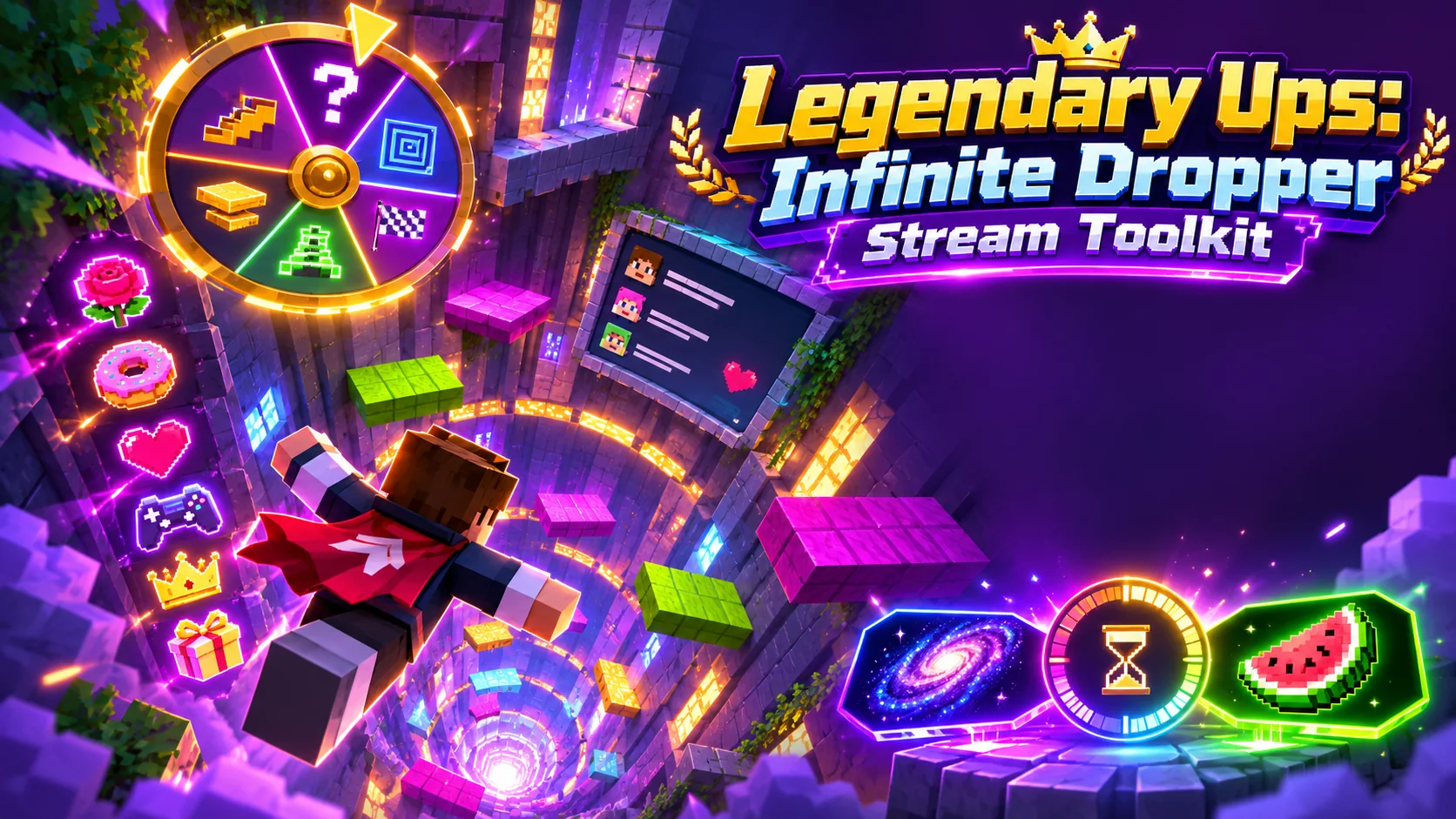
The included toolkit has an animated random level spinner, horizontal gift punches, a Galaxy reset countdown, and a Watermelon Love save event. It also includes DropperBoard, which can display chat messages and event information such as gifts, follows, combos, and a last-gift ticker. These give a creator several moments to explain, react, and bring the chat into the challenge.
The spinner’s included settings use a 1,100-level value and 50/50 gain-or-loss odds. Its outcome and any resulting game change depend on the installed configuration. The product page notes that the current freefall configuration has no result commands configured, so do not promise an automatic level change until you verify the setup you plan to run.
What the toolkit connects to
Legendary Ups provides the Minecraft-side pieces. DropperBoard does not connect directly to TikTok; stream events need to be forwarded through a separate tool or workflow, such as TikFinity, RCON, or the server console. The companion launcher and event connection are separate setup steps too.
Before a LIVE, check that the server bundle, datapack, event source, and any launcher controls match your actual installation. Test each event privately. A working display alone does not prove that a gift mapping, level action, or reset will happen in the game.
Who this Infinite Dropper format suits
This format can suit Minecraft creators who want a visible objective, short rounds of suspense, and audience participation tied to clearly explained events. It may also work for a creator who is testing ways to give chat a role beyond watching the run.
Start by deciding what a new viewer should understand in the first few seconds: the goal, the current level, and what an event can change. Keep the event rules visible and manageable for your moderators. If you want to review the components and compatibility notes, see the Legendary Ups Infinite Dropper toolkit page.
The takeaway
Legendary Ups adds a level spinner, viewer event effects, a countdown and save moment, plus an in-game chat board to an Infinite Dropper stream. The Minecraft server bundle is only one part of the setup, so confirm the event bridge and configured actions before going live. Explore the Infinite Dropper toolkit or learn about creator access.
Want to learn more about our creator community?
Official resources
Platform features and rules can change. Check TikTok’s current guidance before making decisions about your account.
Quick answers
Frequently asked questions
Does Legendary Ups connect directly to TikTok LIVE?
No. DropperBoard displays events but does not connect directly to TikTok. Use and verify a separate event-forwarding setup, such as TikFinity, RCON, or the console.
Does the level spinner automatically change the dropper level?
Not by default in the current freefall configuration described on the product page. It has no result commands configured, so verify the specific server setup before relying on a level action.
Keep learning
Related guides
.png)
Legendary Ups Features Explained: Spinner, Punches, and Saves
See what each Legendary Ups event does, how the components work together, and which behaviors depend on your configuration.
Read the guide.png)
5 TikTok LIVE Minecraft Dropper Challenge Ideas for Chat
Five ways to give chat a role in a Minecraft dropper run, from level spins to timed saves and recap moments.
Read the guide