A dropper challenge is easy to join when a viewer can tell what you are trying to land, what an event changes, and when the round ends. These five formats use specific Legendary Ups features—the spinner, punch events, countdown, save, and chat board—to give chat a role without burying the run in rules.
.png)
1. Let the level spinner create a reveal
Set up a short, repeatable moment around the random level spinner. Explain when a spin can happen and what the displayed result means in your current configuration. The anticipation can be part of the challenge even when the spin is not wired to an automatic level action.
Give viewers a chance to react before you continue. Read the result, restate the next objective, and then resume the run. That rhythm keeps the event legible instead of turning the stream into a sequence of unexplained effects.
3. Turn a save into a comeback
The Watermelon Love event can cancel the pending Galaxy reset. Frame it as a comeback opportunity with a clear cutoff, then acknowledge the save if it happens. Avoid suggesting that a particular viewer must send a gift; explain the event neutrally and keep the stream welcoming to people who simply want to watch.
Test both the countdown and cancellation path in advance. Make sure the display communicates whether the reset is still pending so chat can follow the outcome.
4. Use gift punches as a short burst
Legendary Ups includes light, medium, and heavy horizontal punches. They can create a quick interruption or recovery moment during a run. Decide how often punches can happen, and check how your queue behaves during a burst before you use the mechanic live.
Do not leave viewers guessing about what happened. Pair a punch moment with a quick spoken reaction, then point back to the course objective. The stream should still be enjoyable when no events are firing.
5. Recap the round on the chat board
Use the DropperBoard to surface available chat and event messages, then build a simple recap around the run: what changed, what the creator tried, and what comes next. A short recap helps late arrivals catch up without stopping the stream for a long explanation.
DropperBoard displays events but does not connect directly to TikTok. A separate event-forwarding tool or workflow must send commands to the server. See the Legendary Ups toolkit details before choosing a setup.
The takeaway
Choose one or two event ideas for the first stream, explain the rules, and test the exact path before inviting chat to participate. You can review the Legendary Ups features and learn how to access creator-only builds.
Want to learn more about our creator community?
Official resources
Platform features and rules can change. Check TikTok’s current guidance before making decisions about your account.
Quick answers
Frequently asked questions
Can viewers change the Minecraft run with every TikTok gift?
Only when a separate event-forwarding setup maps the event to a server command and the installed configuration supports the action. Test the mapping before stream.
Do these ideas require Legendary Ups?
The pacing and participation ideas can be adapted to other setups. The spinner, countdown, punch queue, save event, and DropperBoard are features described for Legendary Ups.
Keep learning
Related guides
Minecraft Infinite Dropper on TikTok LIVE: What Legendary Ups Adds
A practical overview of the Infinite Dropper stream toolkit, its viewer events, and what to check before using it on LIVE.
Read the guide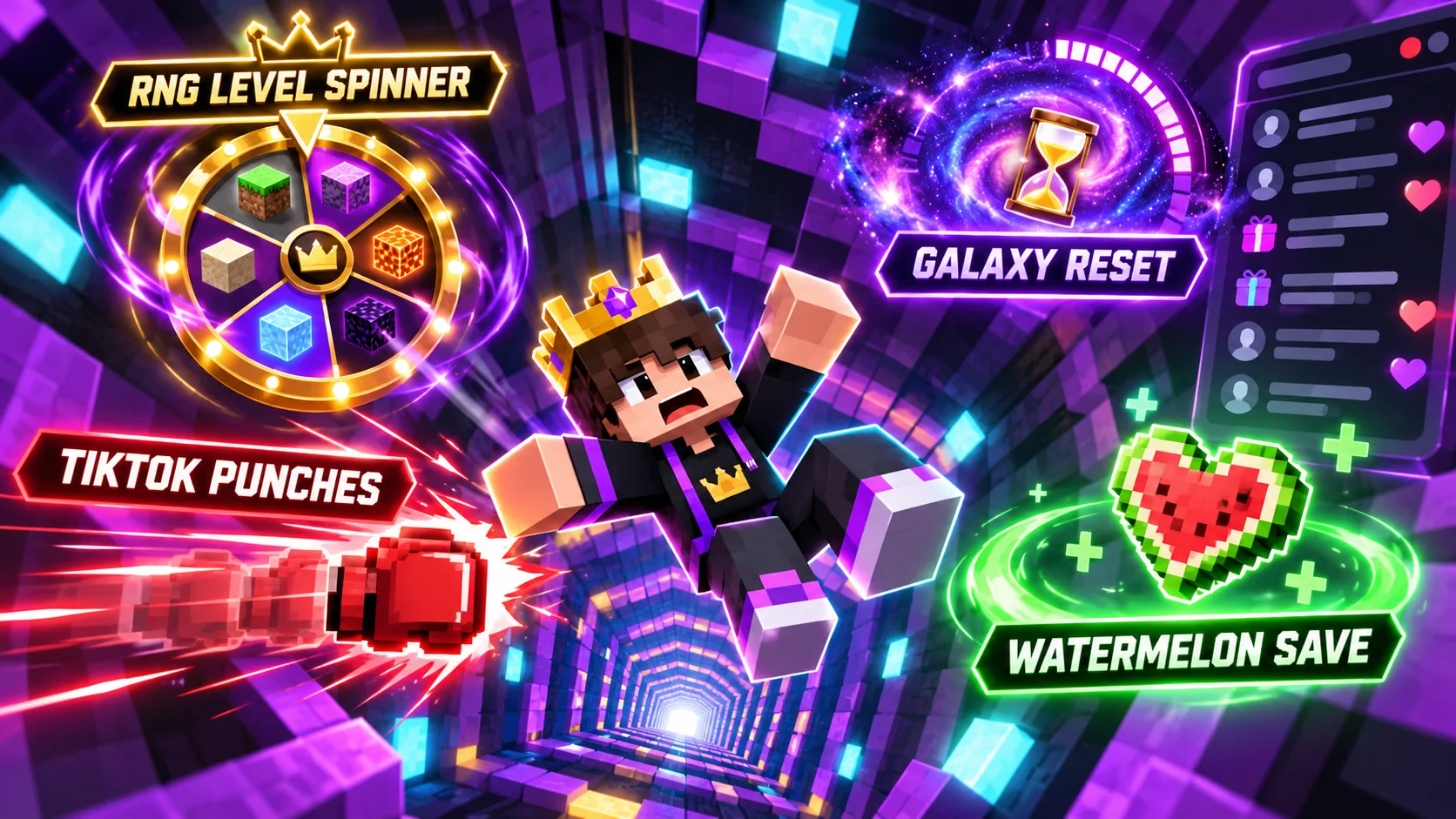
How to Use TikTok Gifts with a Minecraft Infinite Dropper Stream
Understand the separate event bridge between TikTok LIVE and Minecraft, then test gift triggers, queues, and game actions safely.
Read the guide